


|
Manual Installation Guide How to Install or Reinstall OS Manually (ISO) We provide full control to install your preferred OS using ISO files directly from your client area. |
|
By default, your VPS is delivered with the OS selected during purchase. If you wish to reinstall manually or use a specific distribution, follow these steps: |
|
1Log in to your account and click on "View Data" 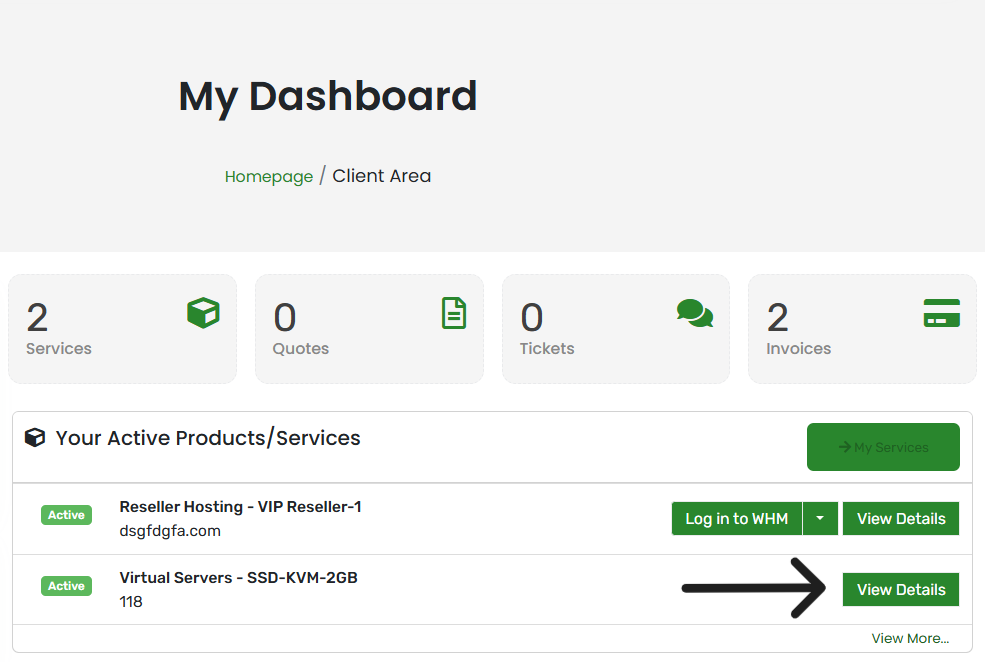 |
|
2From the left sidebar, choose "Reinstall" 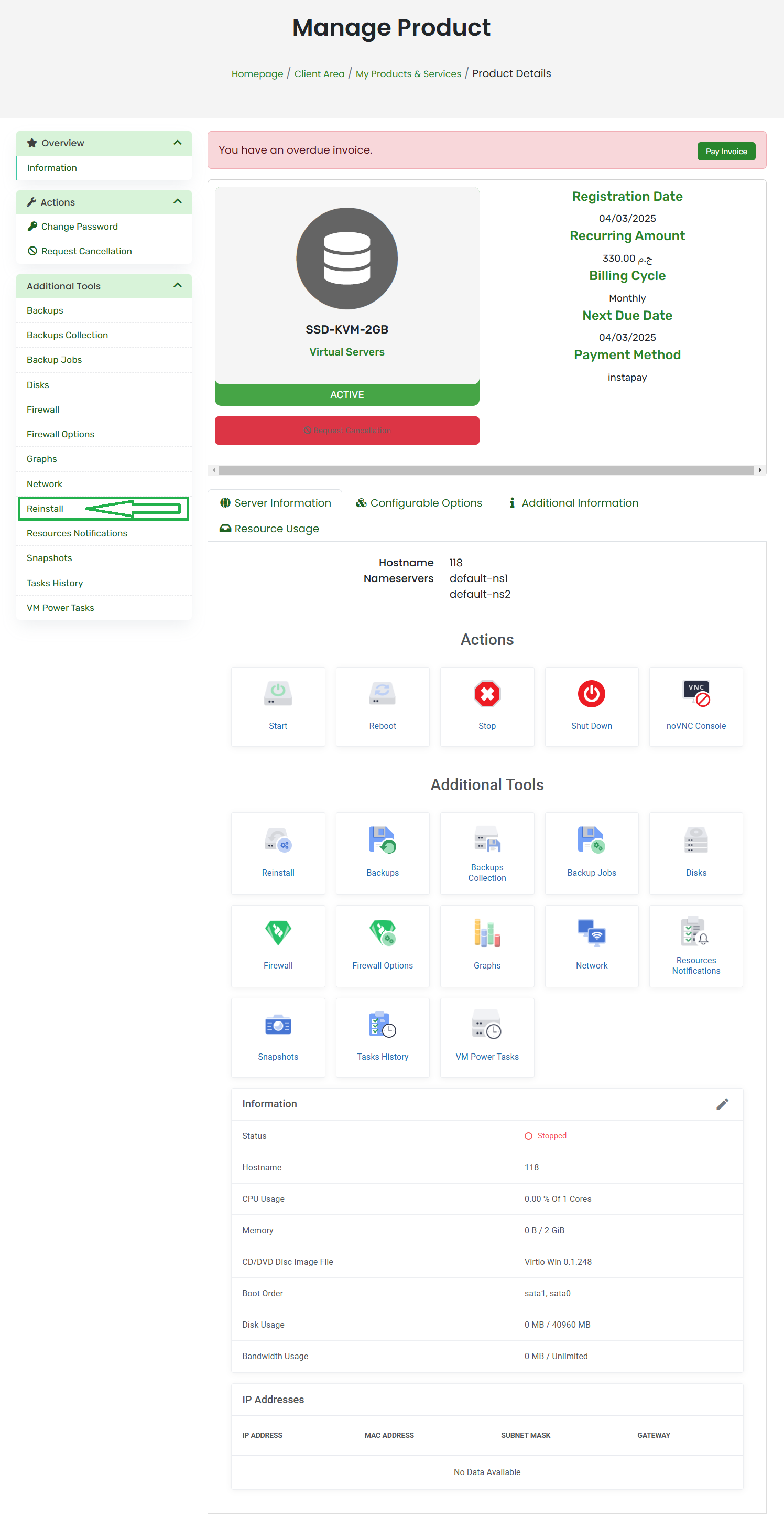 |
|
3Click "ISO Images", select your OS, and click the "Mount" icon 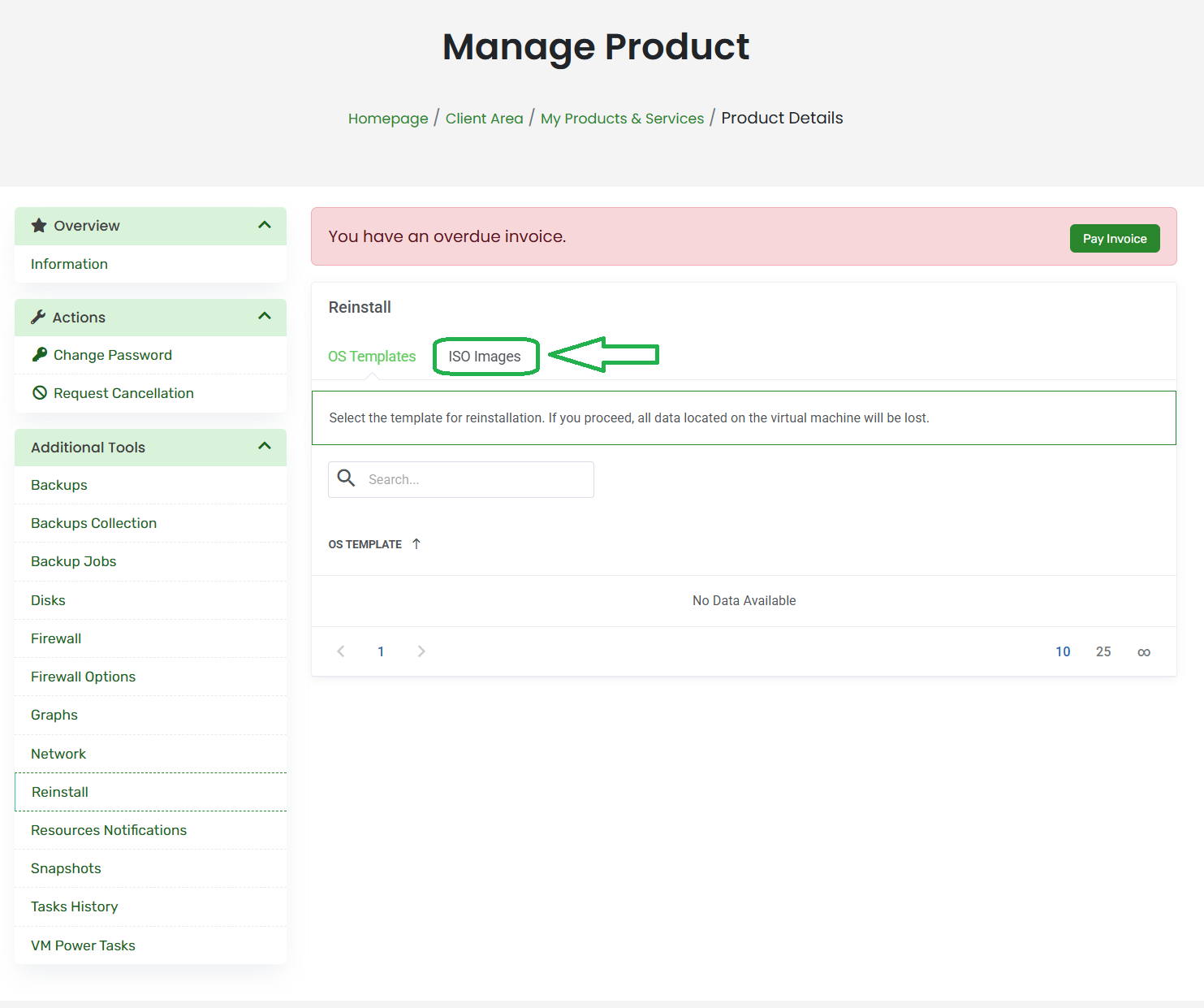 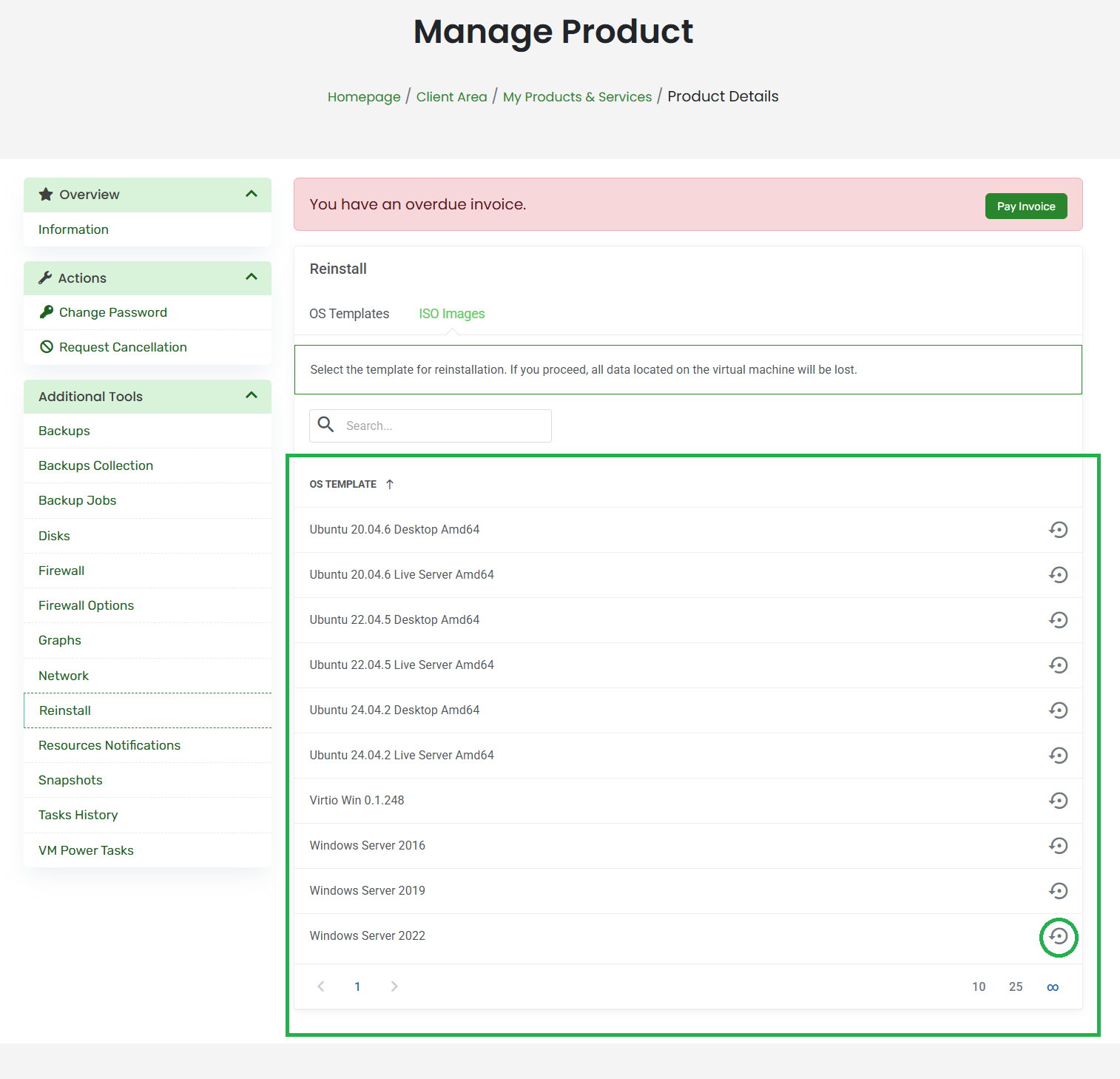 |
|
4Click "Confirm" and wait for the success message 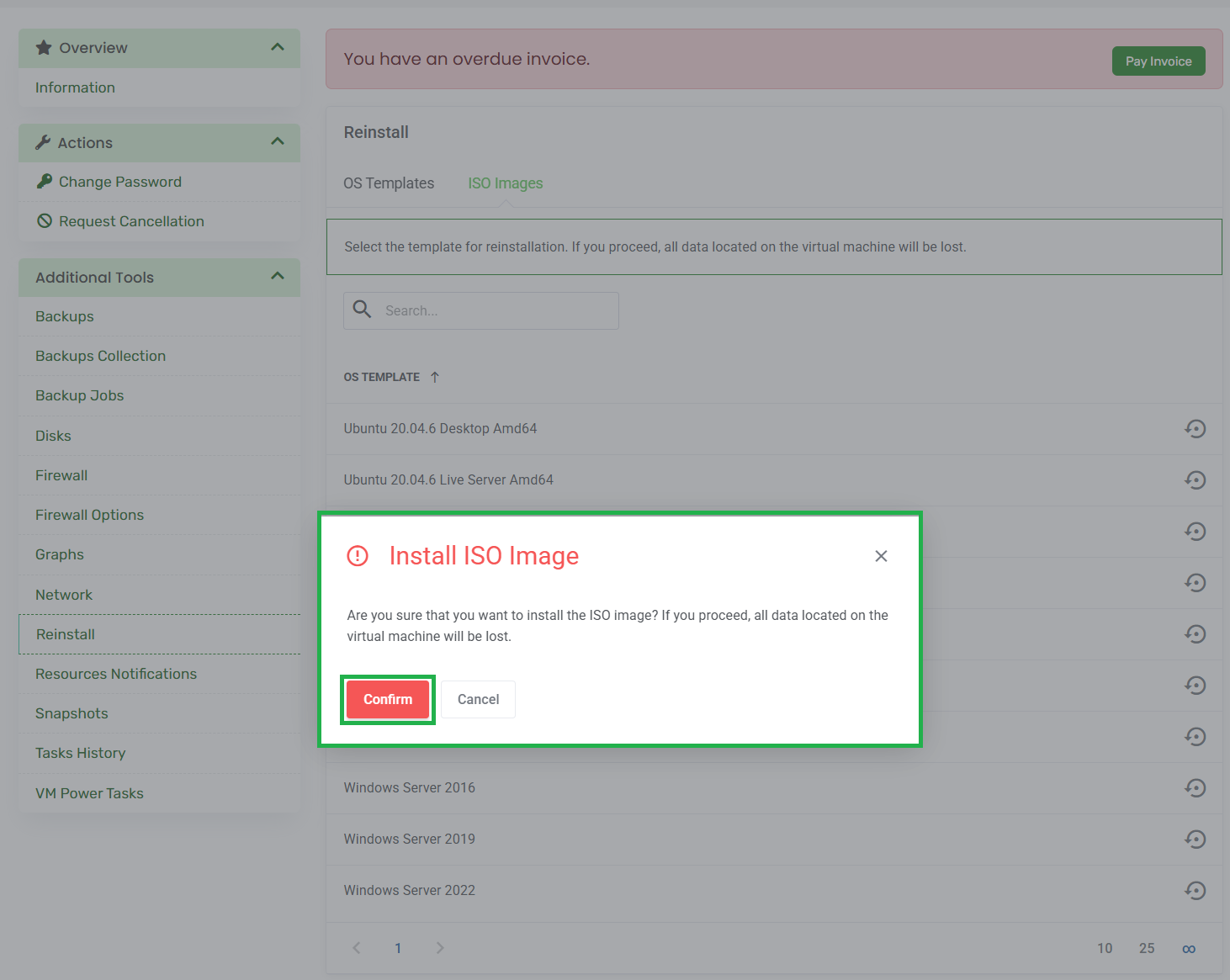 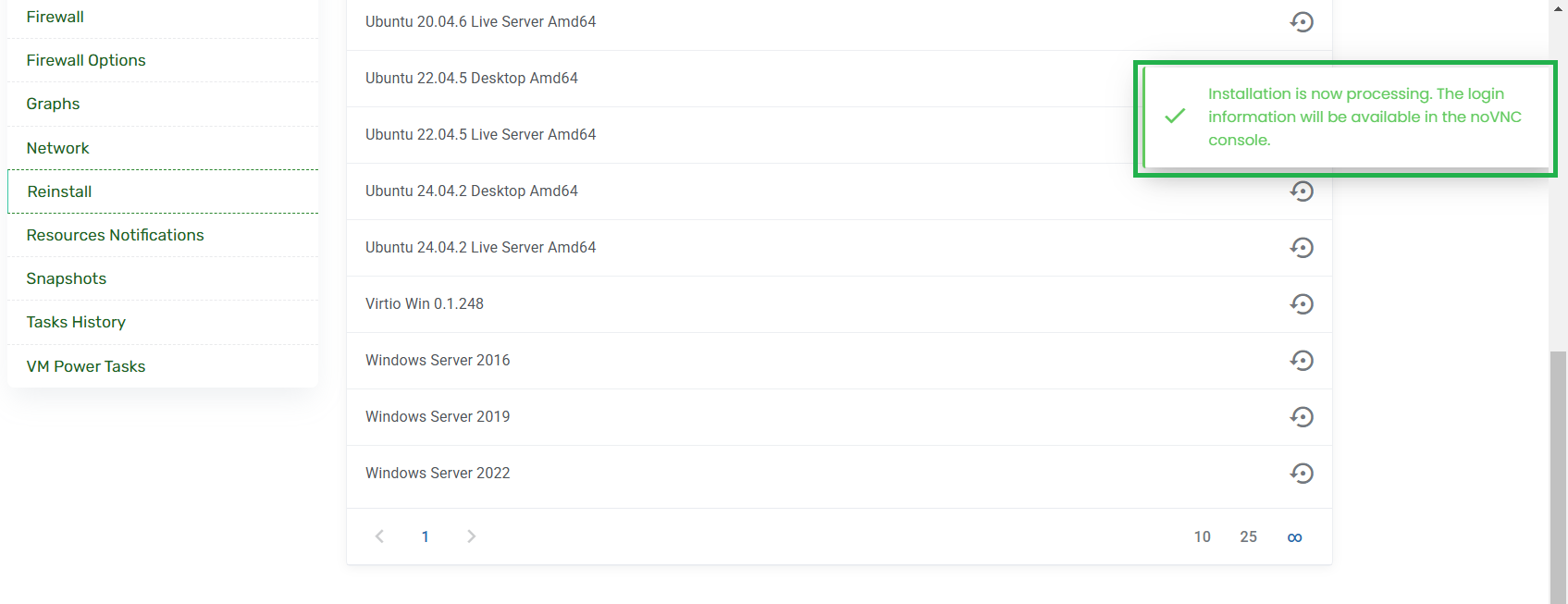 |
|
5Open "noVNC Console" to complete the manual setup 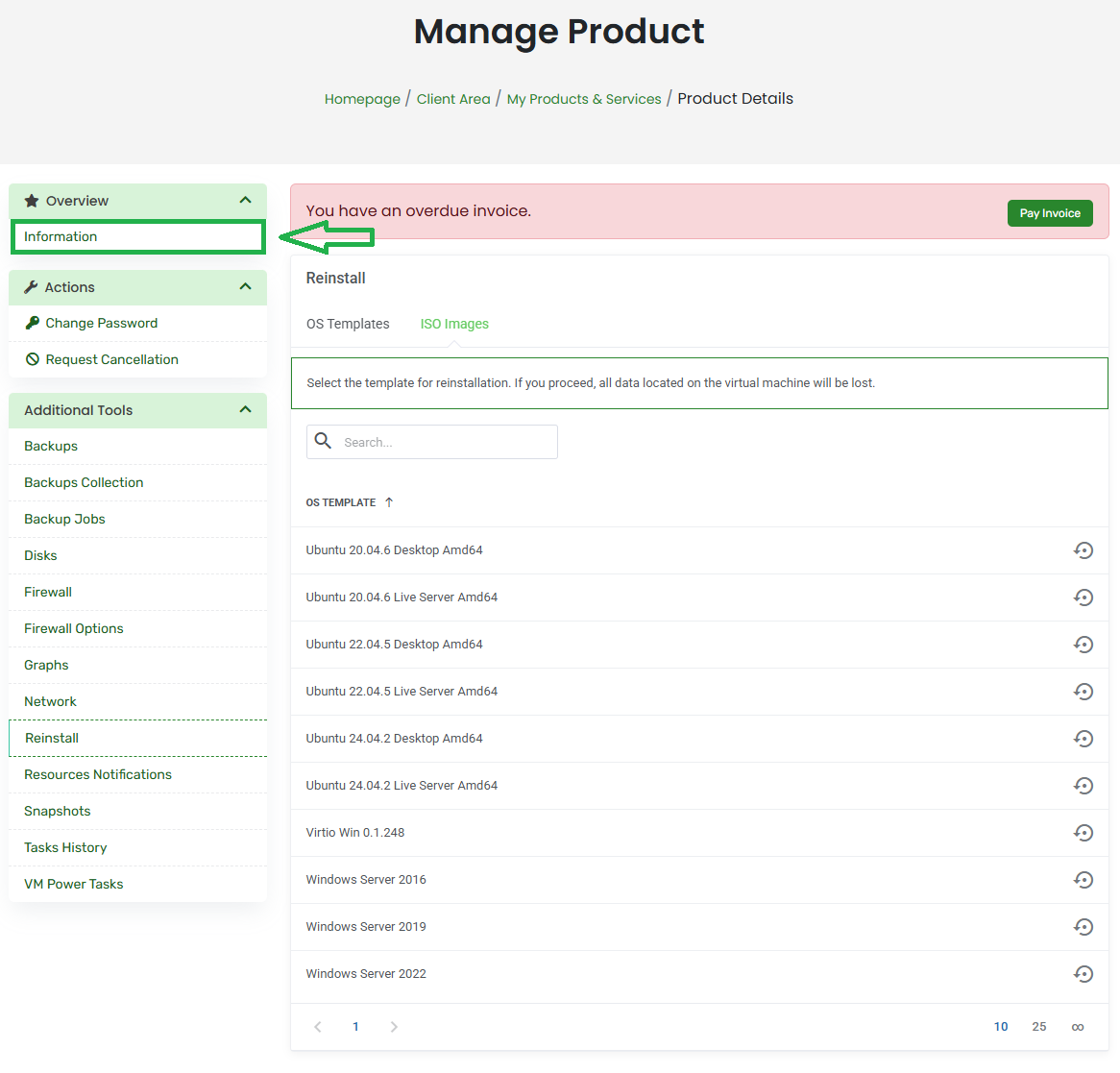 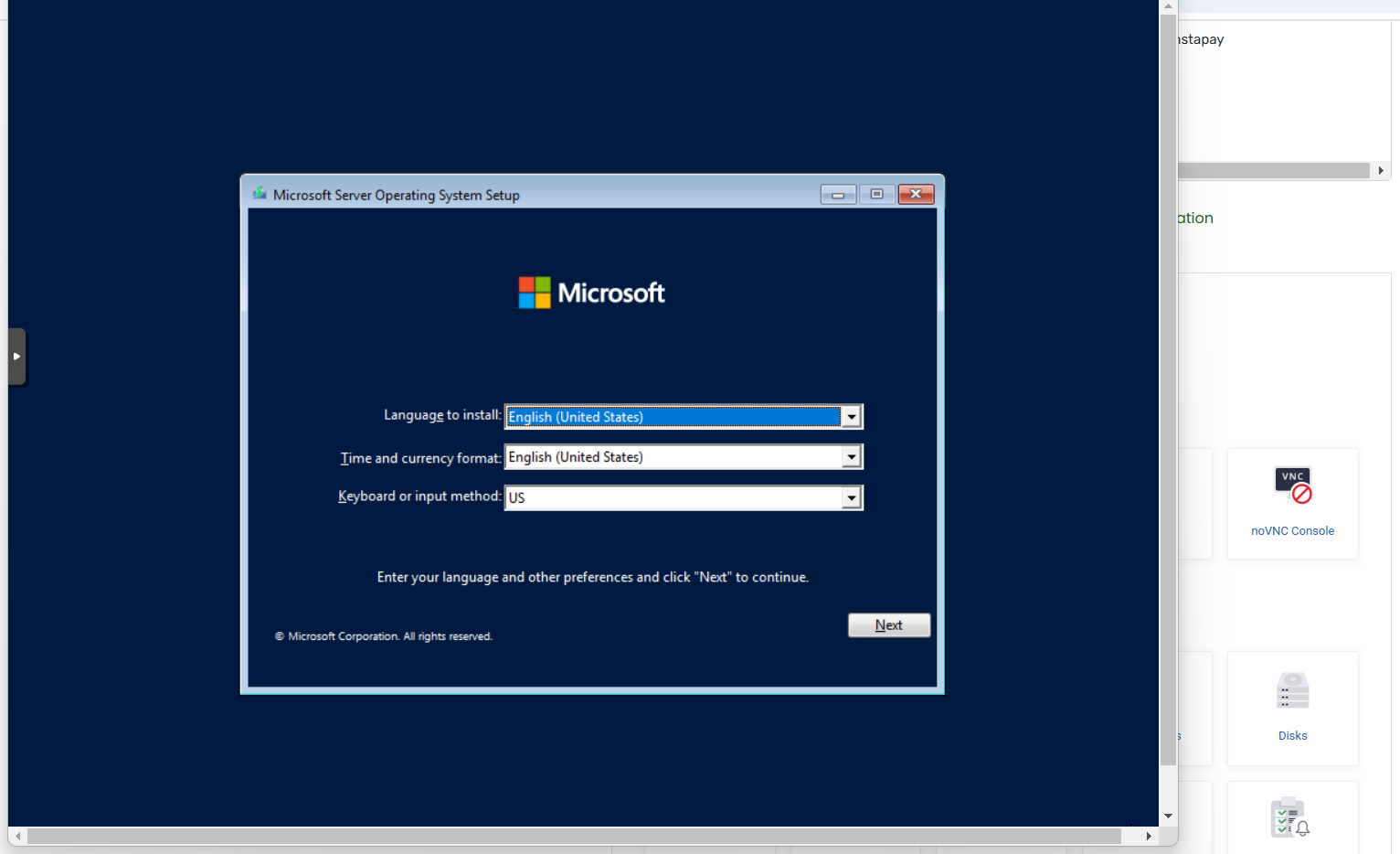 |
|
Custom OS Request If you need an OS not listed above, please open a support ticket with the OS details and a download link. We will review and add it for you. |